+966 57 849 0480
Make a Call
info@safetechco.com
Drop us a Line
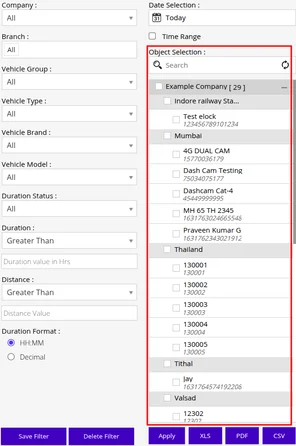


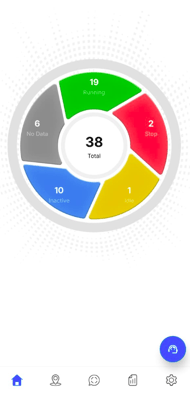
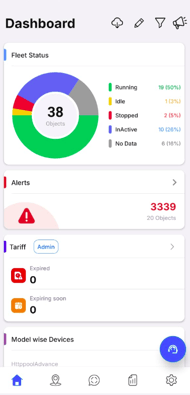
Screen Access allows the granting or restriction of access to specific screens or modules based on user roles and permissions, ensuring users view only the sections relevant to their responsibilities and enhancing security and efficiency.
Admins can grant resellers specific Data Access permissions for customized features based on their preferences.
Setting up the map as per the requirement can provide a great experience for tracking the fleets live.
Learn how to Setup Map Configuration.
Email configuration can be configured to send alerts directly to users’ email addresses from the system.
Learn how to Setup Email Configuration
The system provides the option to configure an SMS service that delivers alert notifications directly to users’ mobile phones.
Learn how to Setup SMS Configuration
A payment gateway serves as a portal to facilitate transaction flow between customers and merchants.
Learn how to Add Payment Gateway
Rename Label will be used by resellers to customize the platform by replacing the default feature labels with names of their choice.
To rename a label,

Interactive Voice Response (IVR) service provides the user with the facility to send alerts via calls.
Learn how to Configure IVR Service
A chatbot is a software application designed to simulate human conversation, allowing users to interact via text or voice.
Learn how to Configure ChatBot
The Social Media API (Application Programming Interface) is seamlessly integrated into the software, allowing users to receive alerts, reports, and announcements directly through their chosen social media platforms.
Learn how to configure a Social Media API
Documents are included in the software so that the reseller can upload the necessary documents on the platform and can easily access them from the platform itself.
Learn how to configure a Documents
The authentication tab in the software is to enhance security and ensure that critical actions, such as making announcements, are performed only by authorized users.
Learn how to configure Authentication
The SSO functionality will allow users to authenticate using their existing credentials from a third-party identity provider, such as Google, Microsoft, or other supported SSO systems.
Learn how to configure SSO